Manual System Shut Down for Timberline Solar™
Here’s how to manually turn off your solar roof:
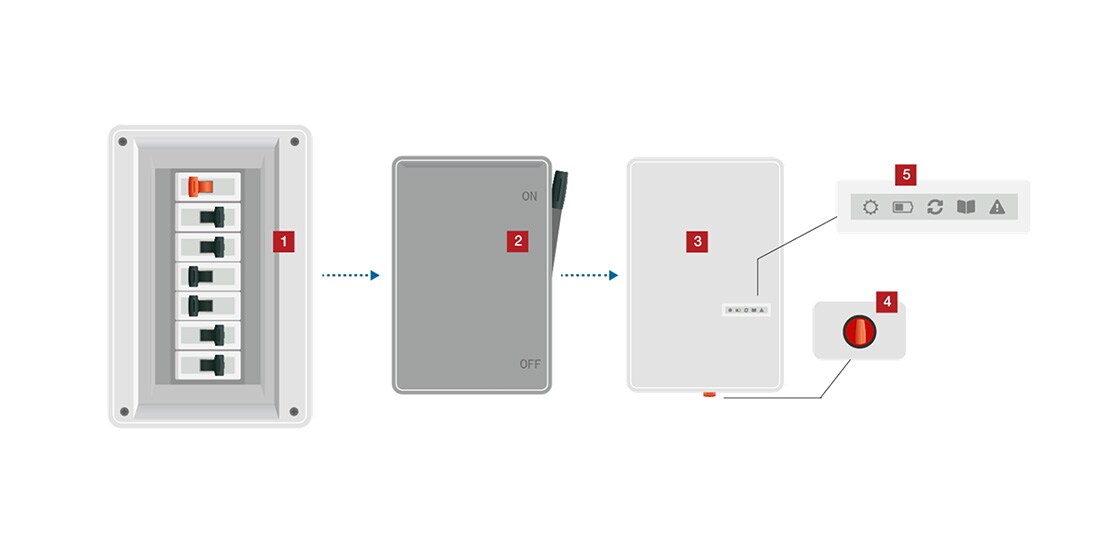
- Locate your home’s electrical panel. Turn the solar circuit breaker (often identified with red stickers) inside the panel to the OFF position. Breakers have labels identifying the on/off position. Please note: If solar circuit breaker is not present, move to Step 2.
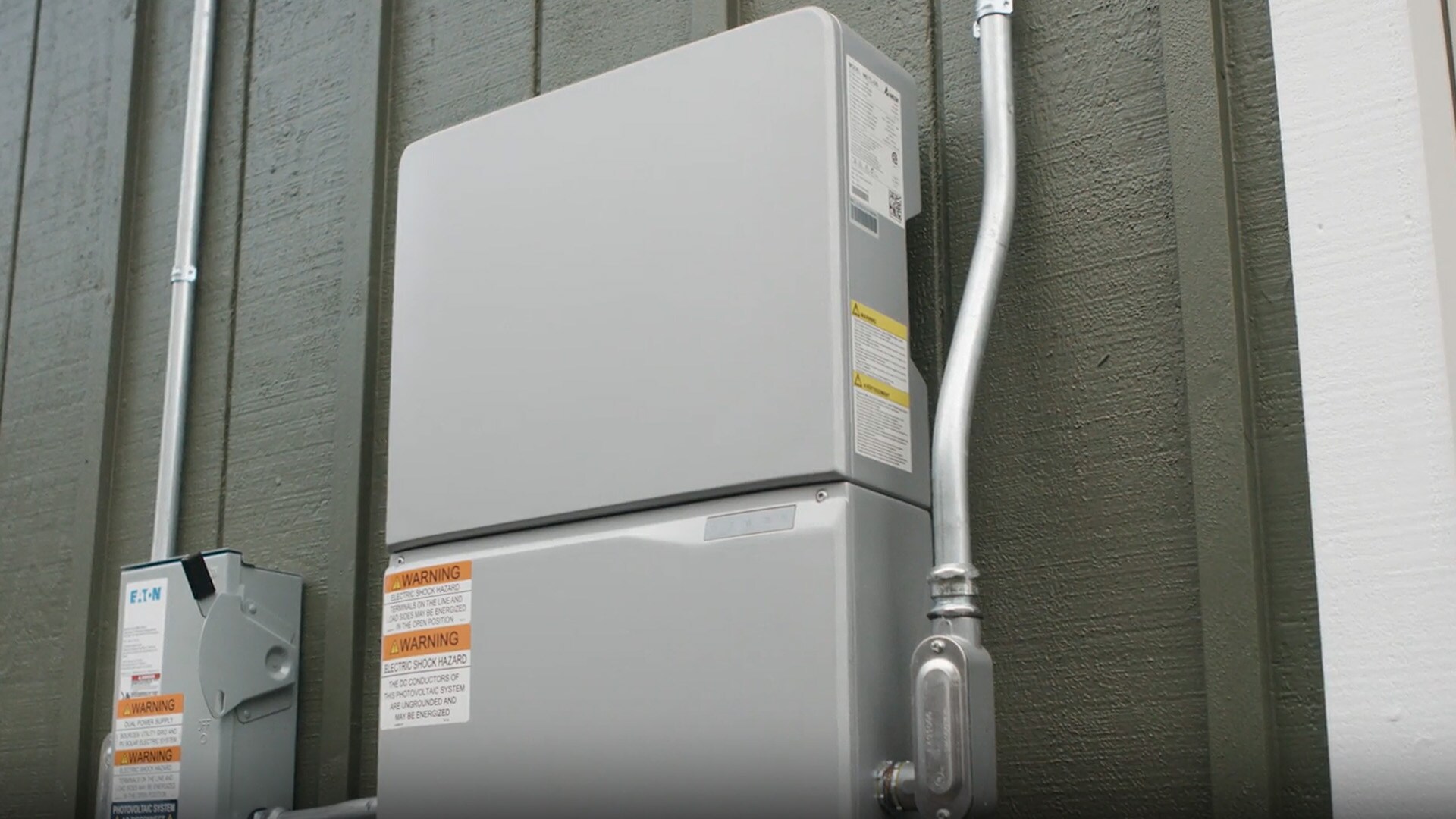
- Locate the disconnect box – if present, it will be between the electrical panel and the inverter. Pull the switch to the OFF position (an AC or DC disconnect may not always be installed on every home).
- Locate your inverter, if you haven’t already. The inverter is often installed on the side of the house, or in the garage close to the electrical panel with the solar circuit breaker.
- Identify the ON/OFF switch on the inverter and turn the knob 90 degrees to the left to the OFF position.
- Verify LED lights. All flashing green lights on the inverter should now be off.
Video instructions
Watch this instructional video on how to manually turn off your system.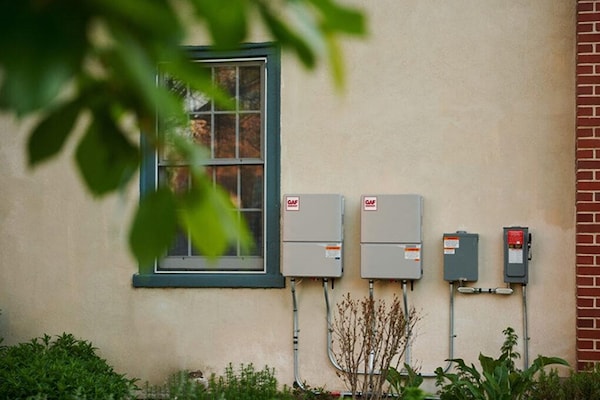
Contact us with questions
Contact the GAF Energy team with any questions or issues manually turning off your system, by logging a ticket in the customer portal or calling us at the number below.