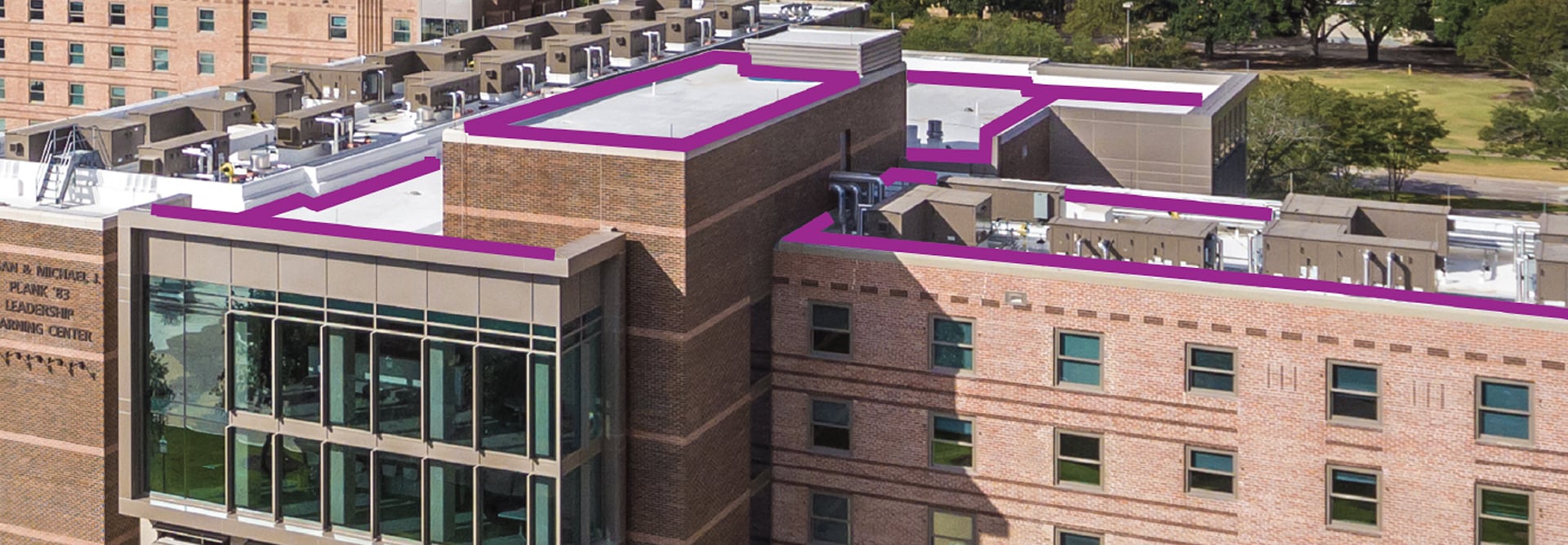
Commercial buildings with roof measurement outlines provided by QuickMeasure

GAF QuickMeasure™ reports for commercial roofing

Accurate and detailed commercial roof measurements in under 24 hours.¹
Order a report
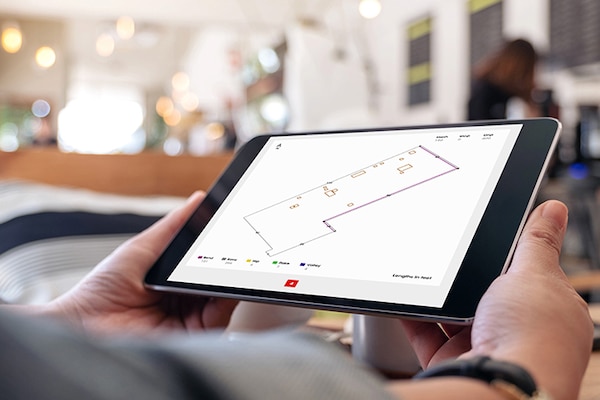
Hands holding a tablet open to QuickMeasure roof measurement app showing a commercial building

Fast and accurate commercial roof measurement reports

  • Get a GAF QuickMeasure™ report — with accurate1 roof measurements and high-resolution imagery
  • In under 24 hours1 for commercial properties.
  • Available in areas of the U.S. and Canada.
1Terms and conditions apply. Visit FAQs for details.

Contractor type
  • GAF PlatinumElite™ Commercial Contractor
  • GAF GoldElite™ Commercial Contractor
  • GAF CoatingsPro+™ Liquid Applied Roofing Contractor
All other commercial pros
Price $54 per building $60 per building
Complete Roof Measurements
Including parapet wall measurements (where applicable), lengths, heights and widths
Past views
Grid line paper
Included in buildings with predominate pitch of 0 or 1
DXF and XML data files
Interactive 3D rending
With edit access
Multiple Building Summary
When multiple buildings are ordered in the same request.

GAF QuickMeasure™ support team is available to help

Call 888.715.1227 or email us at services.support@gaf.com.
Email support

Get a commercial report in under 24 hours¹

Order a report
Commercial roofing contractor on top of flat roof using GAF services on tablet

Add design criteria and weather data for $10

A site-specific data report formatted to help you work smarter and more effectively. Arrive with powerful insights you need including roof design criteria, up to 10 year wind and hail history and parcel data. Available in the U.S. only.
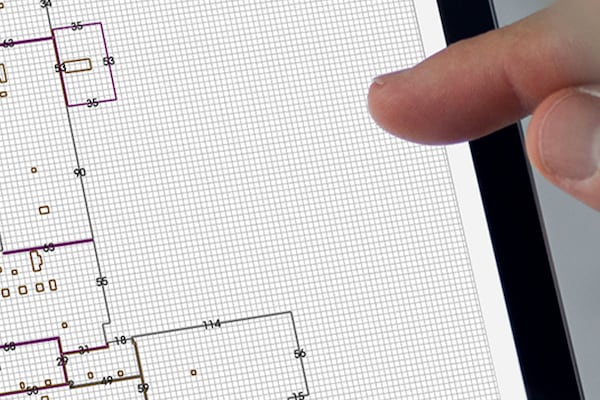
 Architects’s finger tapping on a screen showing grid paper

QuickMeasure™ for commercial designers

Grid paper helps take clear, precise field notes—making it easier to sketch to scale, align dimensions, and capture site details accurately.

Calculate the time & money you can save with a commercial GAF QuickMeasure™ report

More ways to boost your business with technology

Read article

FAQs on QuickMeasure Commercial Roof Reports

Head to the QuickMeasure ordering site. After logging in or entering as guest, select “Commercial” property type and enter the property address. Be sure to select the corresponding address from the pre-populated drop-down menu. Verify that the pin has landed on the correct building. Provide additional emails to receive the report if necessary or any additional information and then select Submit Order.

You must have an account to request multiple buildings within the same submission. When placing an order that requires multiple buildings you would follow the standard ordering process.

Note: Depending on the property size you may need to remove the pin, zoom out on the map in order to visualize the complex or structures required, and then select Add Pin. You can pin up to 30 buildings at a time. Each structure that you pin will receive a separate report and its own charge.

PDF, XML, and DXF files formats are all included with your QuickMeasure™ report, as well as a 3D rendering.


Save even more time with the GAF QuickMeasure app

GAF QuickMeasure and ScopeConnectSM estimates on the go. Available for iOS and Android.


google store icon